
Power TOML Editor
TOML in a tree, comments kept.
A TOML editor for developers that visualizes TOML files and lets you edit them in a tree view.
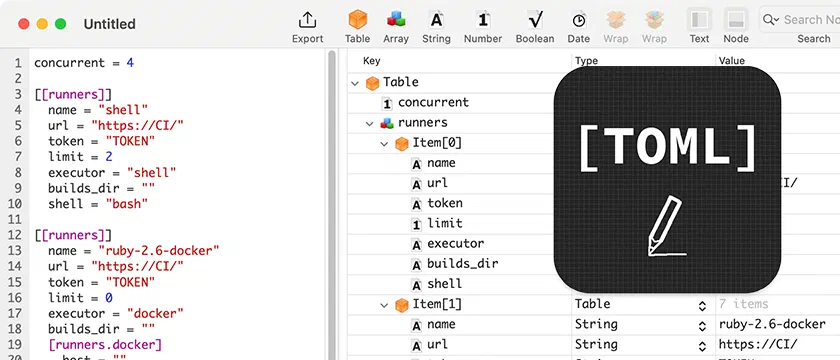
View, explore and edit TOML files in a node tree, and rearrange the hierarchy from the menu or with keyboard shortcuts. Search for “power toml editor” on the Mac App Store to find it.
Highlights
What it does
Editing
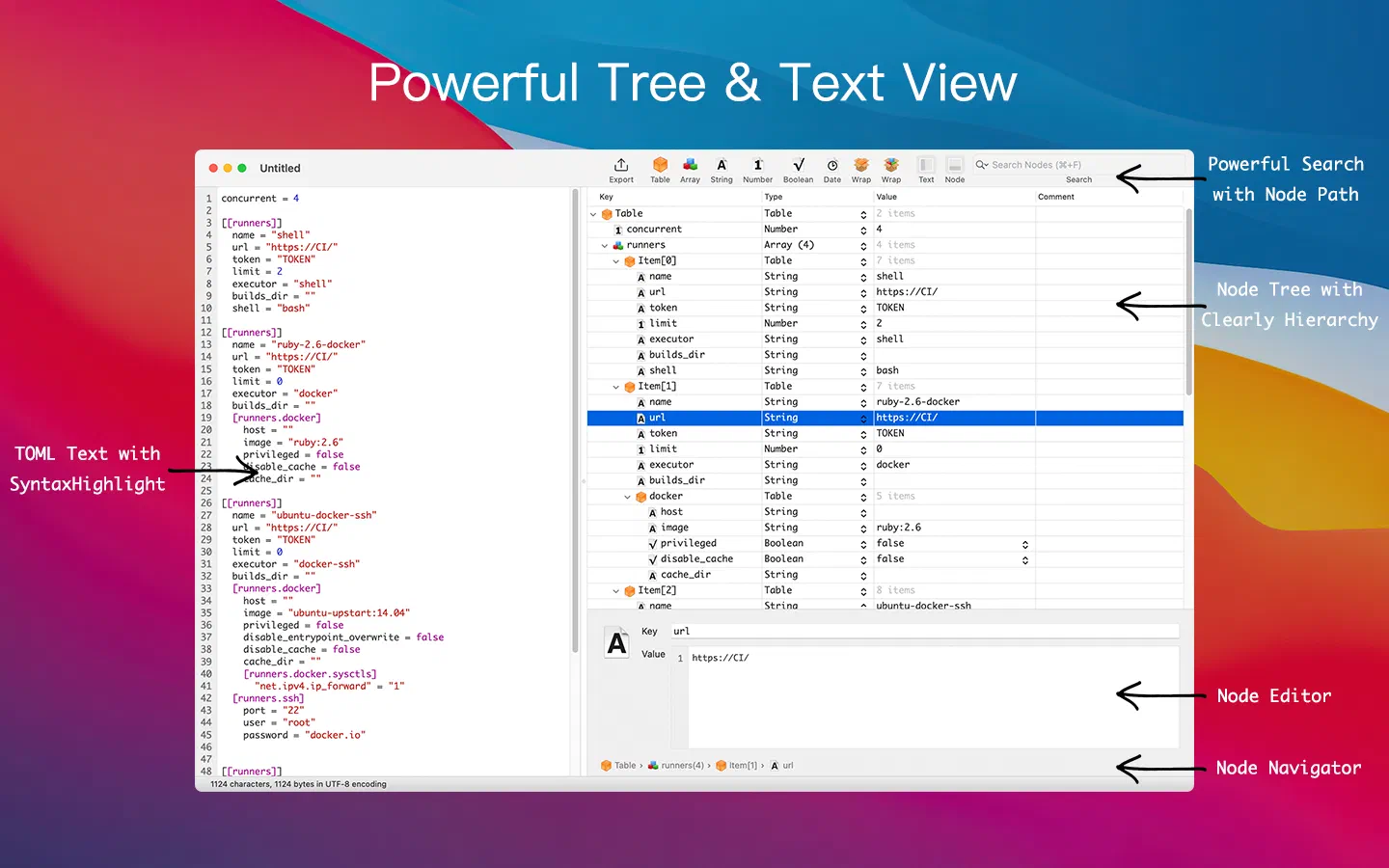
- Syntax highlighted text view
- View and edit TOML in a tree view
- Comments in TOML are preserved
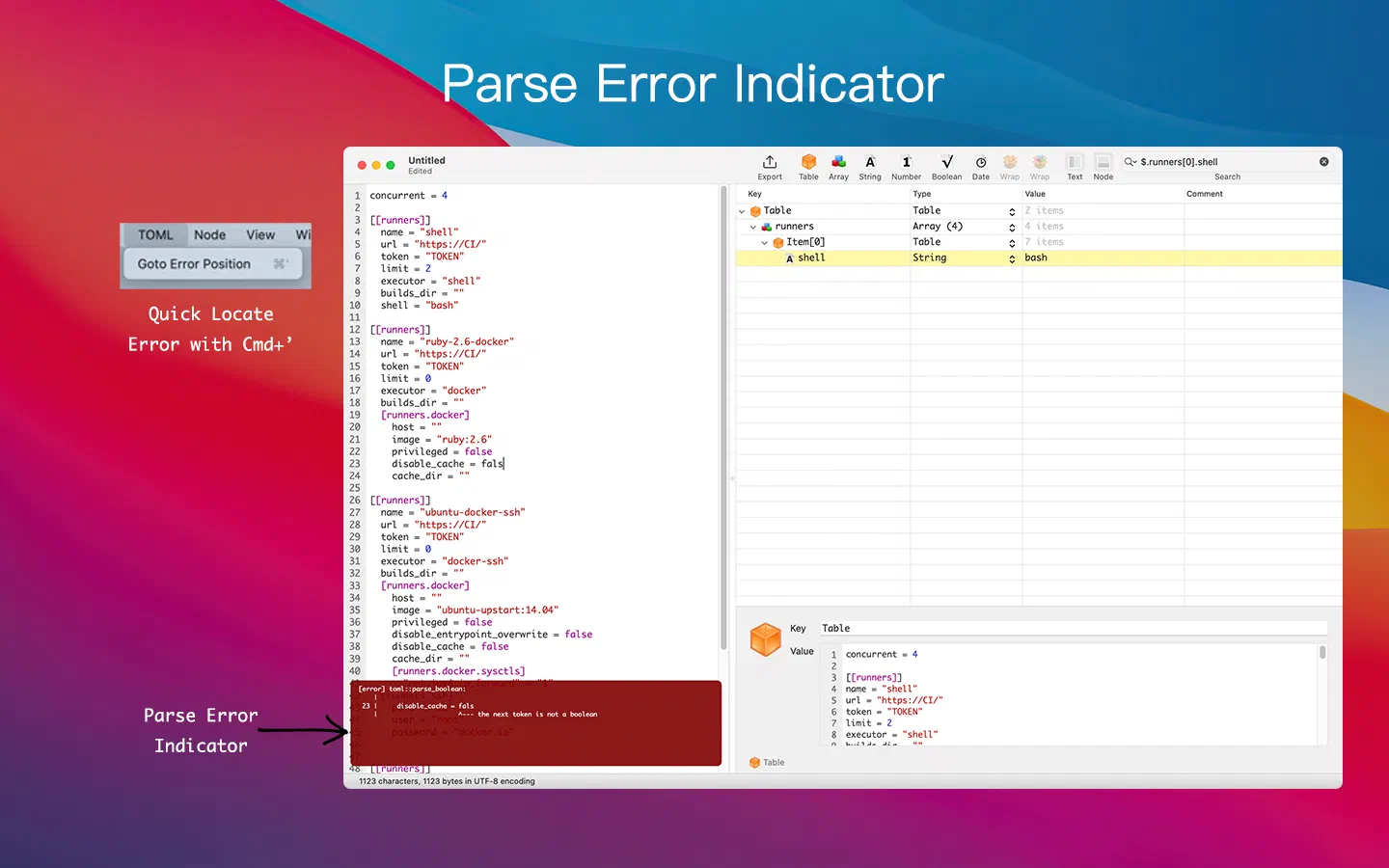
- Parse errors appear as you type, and Cmd+’ jumps to them
Multiple editor panels
- Raw TOML text editor
- Single node editor
- Node tree editor
- Toggle panels easily
Node editing
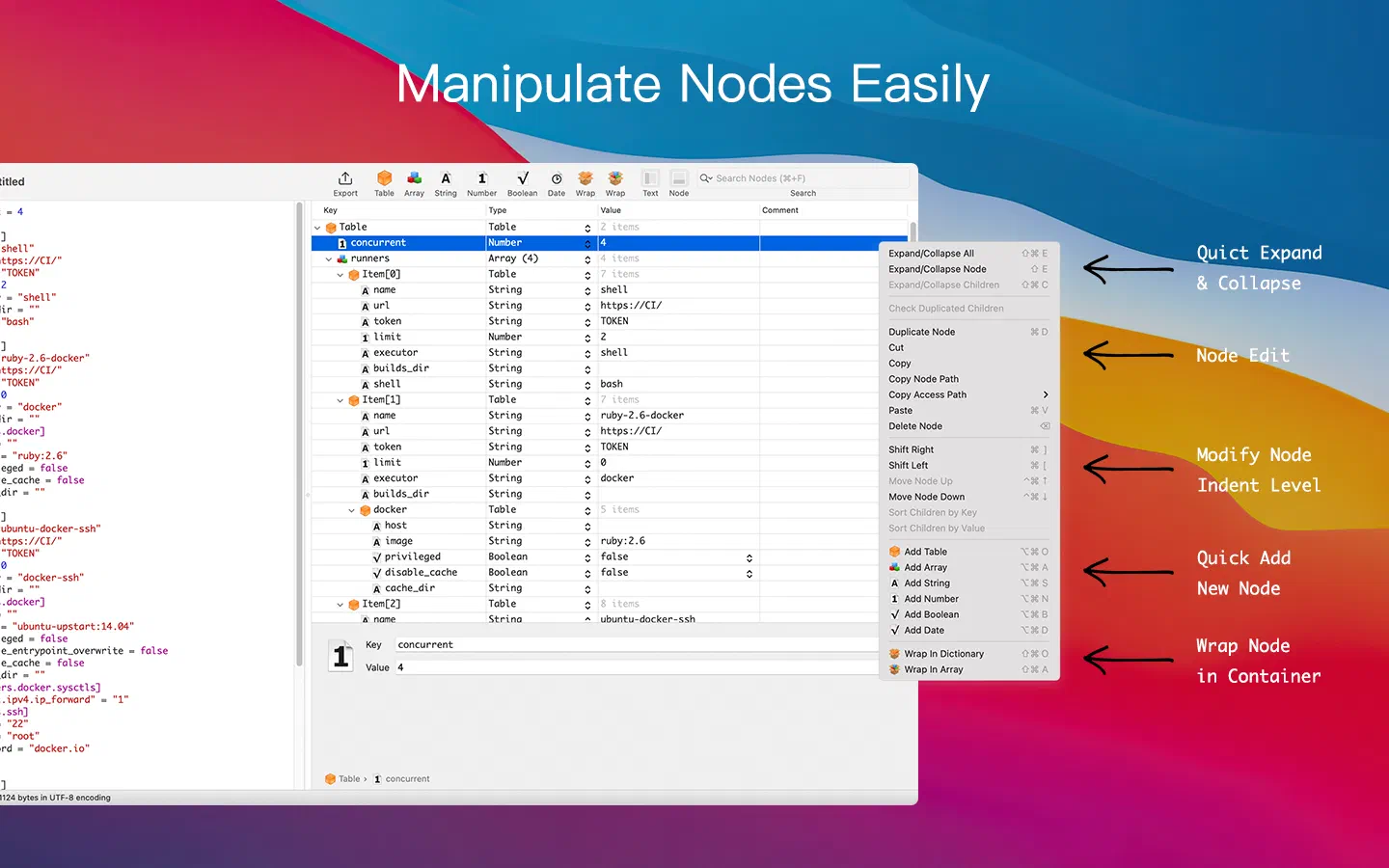
- Convert nodes between string, number, boolean and date
- Duplicate, cut, copy and paste nodes
- Change a node’s parent with Command+] or Command+[
- Wrap nodes in a table or array
Node search
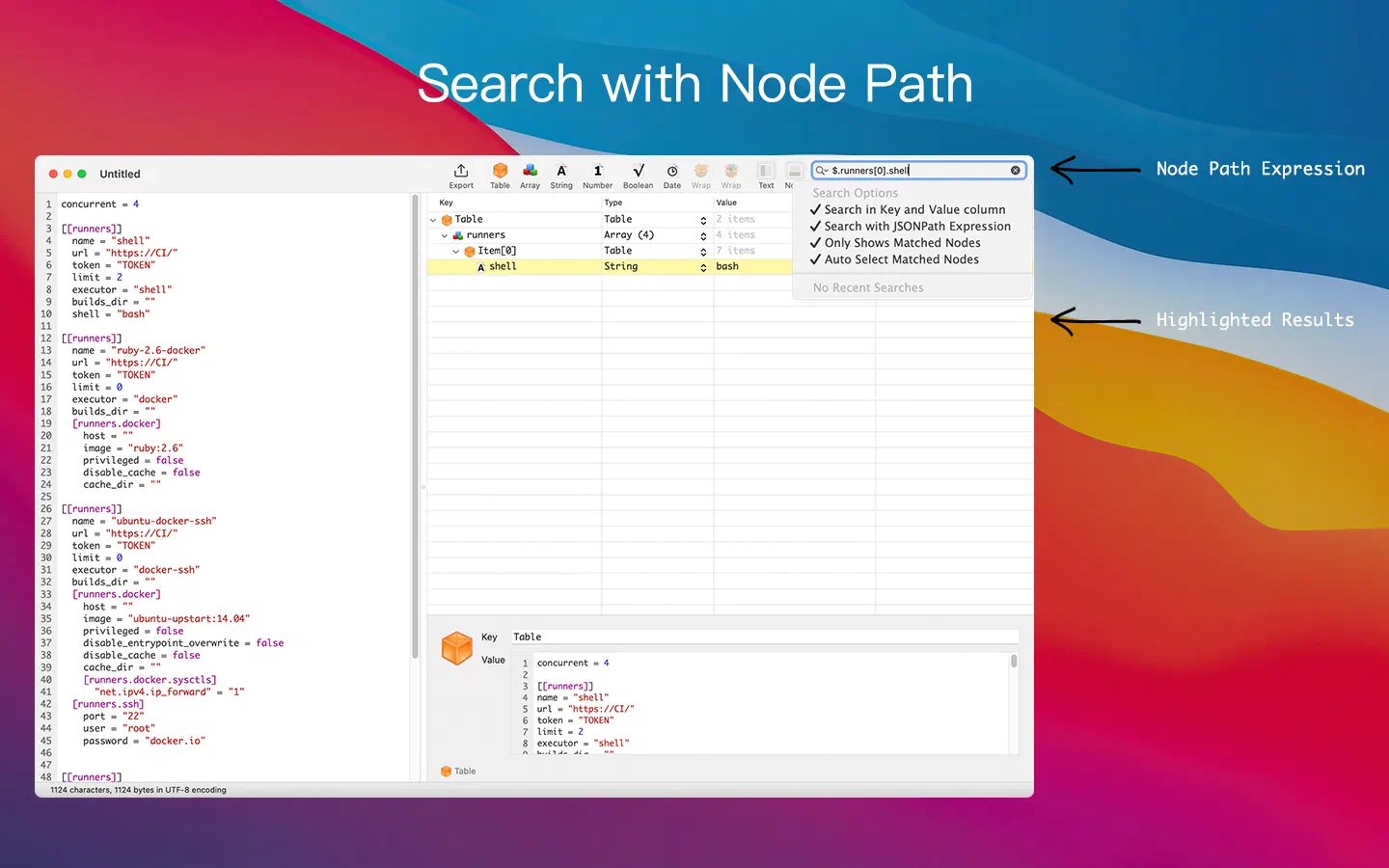
- Search keys and values
- Search with node path expressions, such as
$.runners[0].name - Show only the matched nodes
Export to other formats
- Export TOML to Plist
- Export TOML to JSON
Screenshots
Take a look

Get Power TOML Editor
A TOML editor for developers that visualizes TOML files and lets you edit them in a tree view.
Related